 Emily CarterDLL Errors
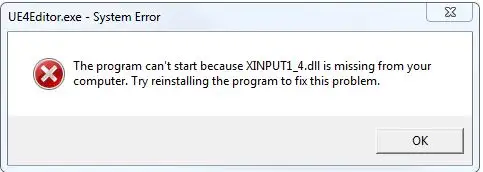
If Windows reports that
xinput1_4.dll
is missing, an application or game cannot load a required DLL. Start with Windows System File Checker, then repair or reinstall the affected application if needed. This guide covers three methods in that order and explains when Fionn DLL Fixer is the recommended option for a broader scan.
Quick Method Comparison
| Method | Best For | Efficiency | User Effort |
|---|---|---|---|
| Method 1: System File Checker | Windows component corruption | Medium | Low |
| Method 2: Repair the app or game | One program failing | Medium | Medium |
| Method 3: Fionn DLL Fixer (Recommended) | Missing, damaged, or mismatched DLLs across apps and games | High | Low |
Method 1: Check Windows System Files
When to use: Choose this method when several programs show DLL errors or the problem began after a Windows change. Windows includes System File Checker to inspect protected system files.
- Open Start, type Command Prompt , and select Run as administrator .
- Enter
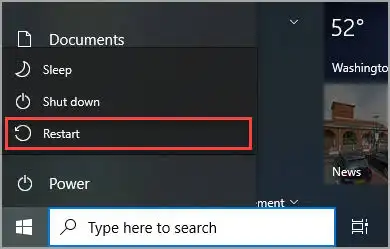
sfc /scannowand press Enter. - Wait for verification to reach 100%, then restart Windows.
- Launch the program that showed the
xinput1_4.dll missingmessage and check whether it opens.
Method 2: Repair the Affected App or Game
When to use: Use this path when only one game or application fails while other software works normally. Its installer or launcher may have a damaged or incomplete file set.
- Close the affected program and any launcher associated with it.
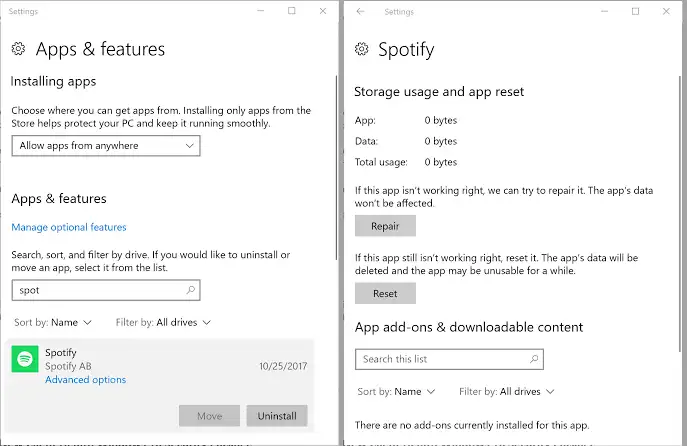
- Open the program's built-in
Repair
or
Verify files
option, if available.
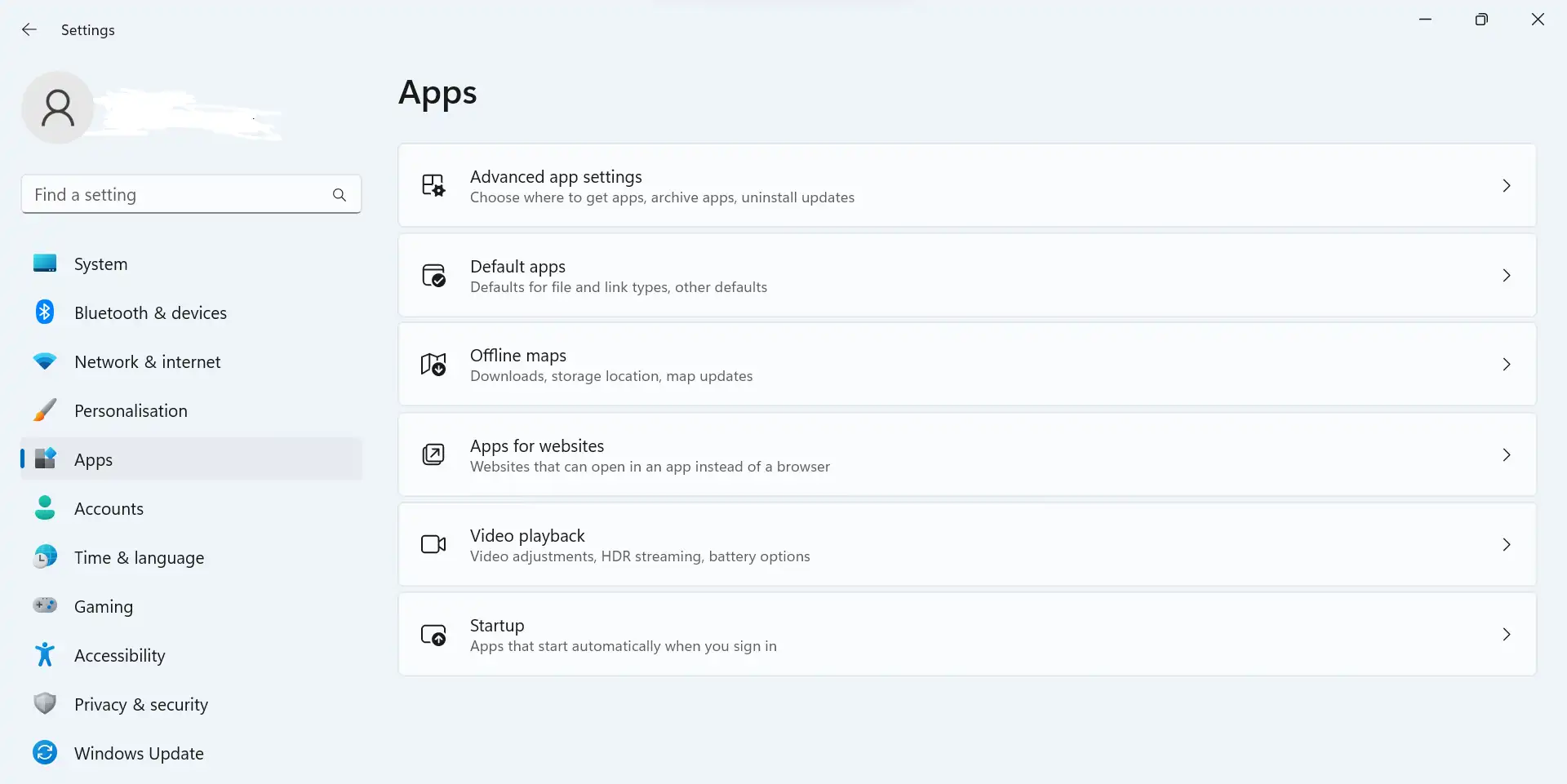
- If no repair option exists, uninstall the program from Settings > Apps > Installed apps .
- Download the installer again from the publisher's official website or store.
- Install the program, restart Windows if requested, and test the launch again.
Method 3: Diagnose and Fix xinput1_4.dll missing with Fionn DLL Fixer
When to use: This is the Recommended option when missing, damaged, version-mismatched, or System32-path DLL issues may involve more than one component. Fionn DLL Fixer scans Windows for application crashes, access conflicts, startup failures, dependency-loading problems, and XInput-related game dependencies. It supports full or category scans, automatic or manual repair, and a post-repair recheck.
- Launch Fionn DLL Fixer. The software automatically scans your PC for DLL and system issues and displays the detected results when the scan is complete.
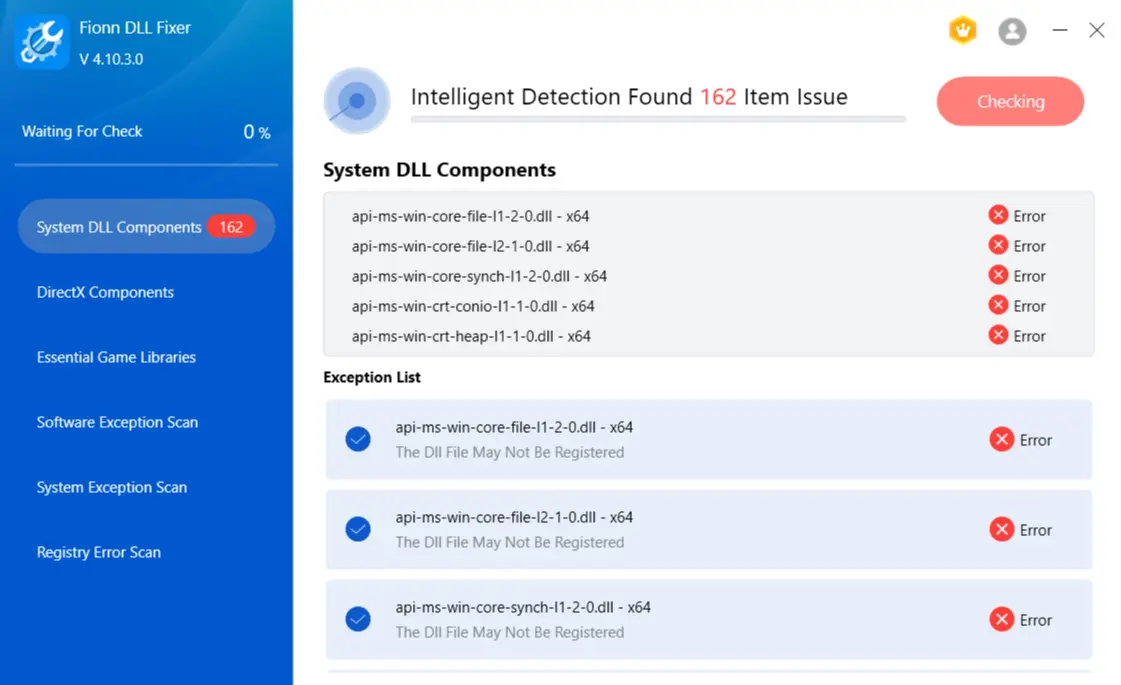
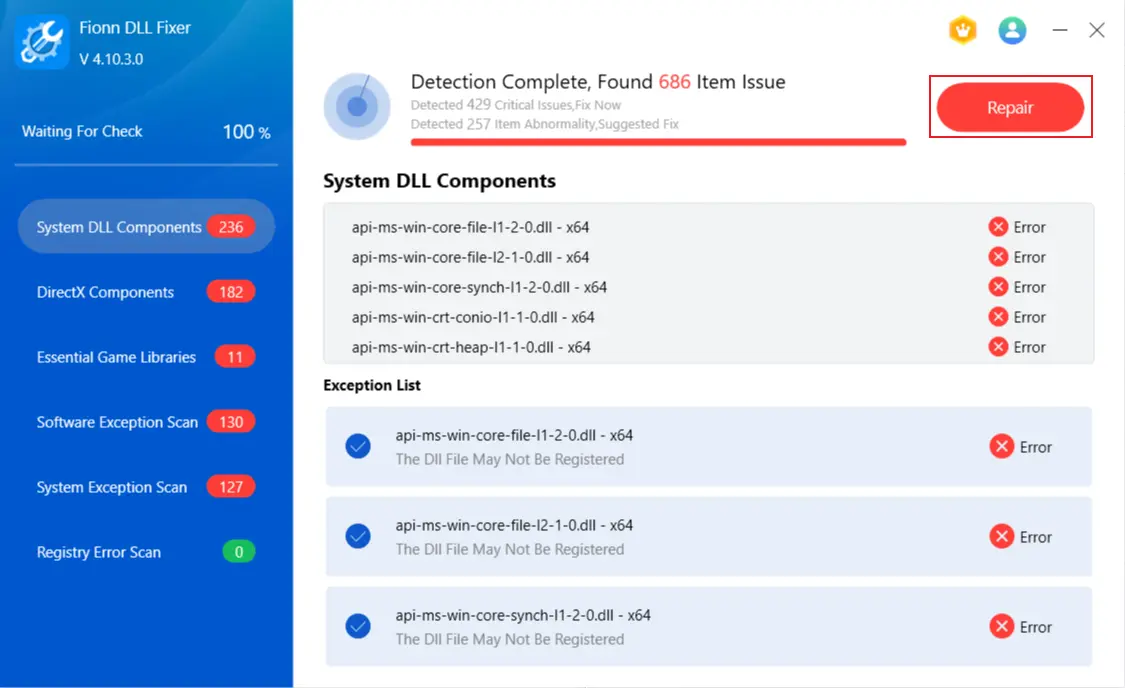
- After the scan finishes, click
Repair
to start fixing all detected DLL and system issues automatically.
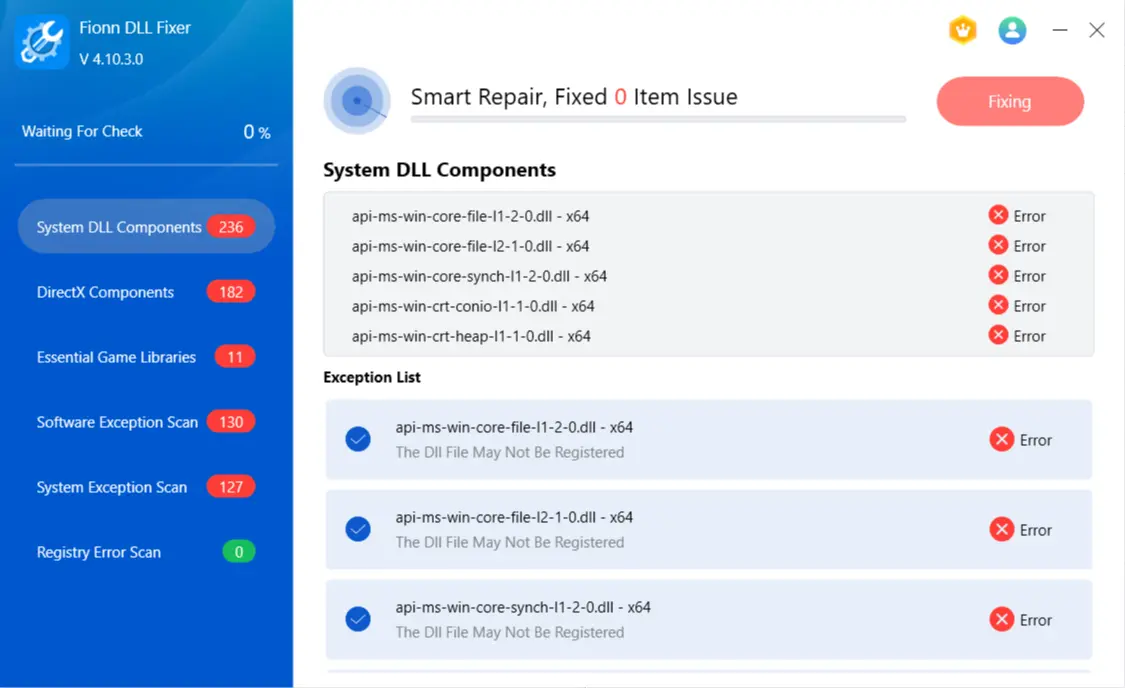
- Wait while the repair is in progress. During this process, the button changes to
Fixing
until all issues have been repaired.
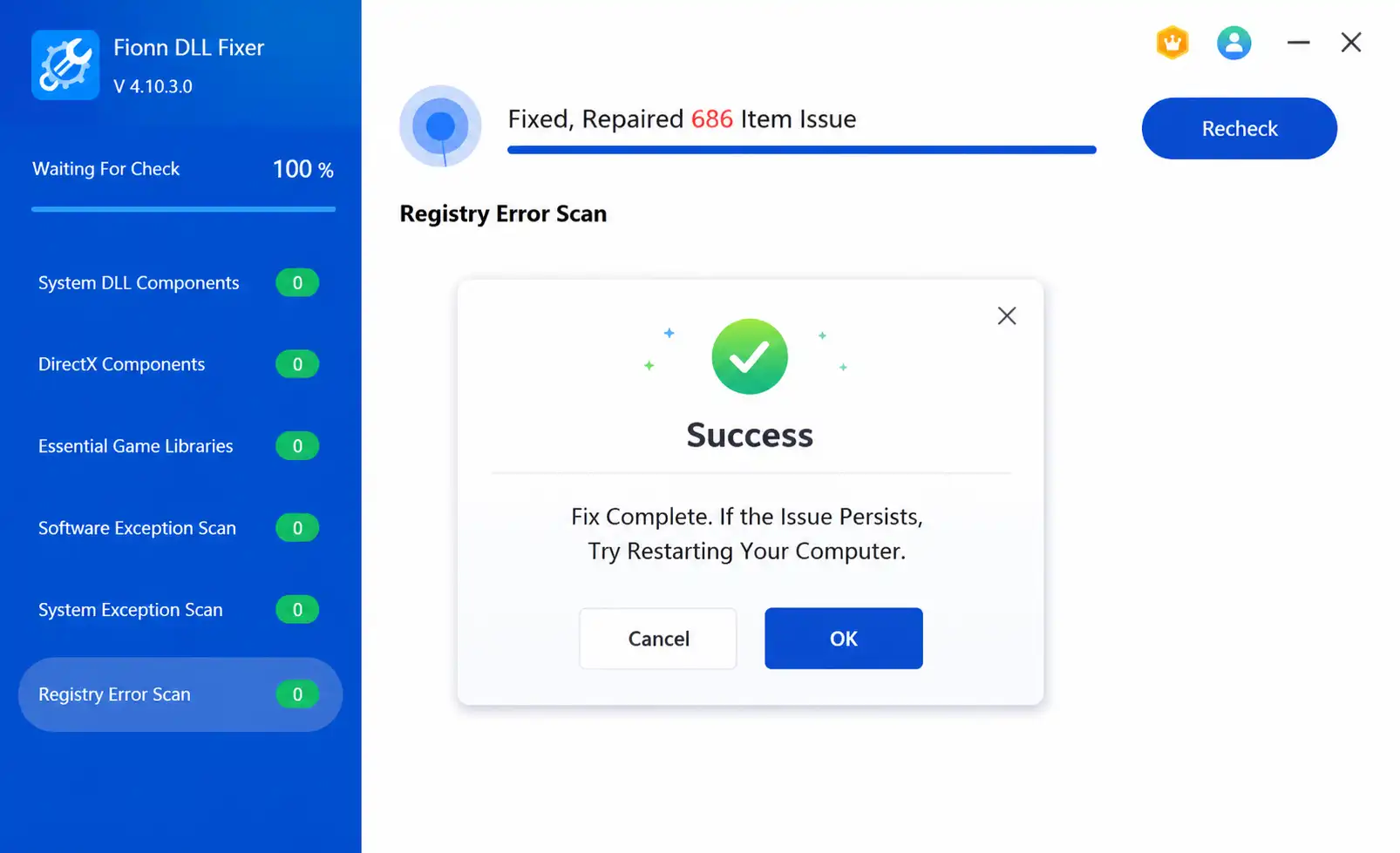
- When the repair is complete, click
Ok
in the confirmation dialog. If prompted, restart your computer before checking whether the problem has been resolved.
- If the issue still persists after restarting, click
Recheck
to perform another scan. If new issues are found, click
Repair
again to fix them.
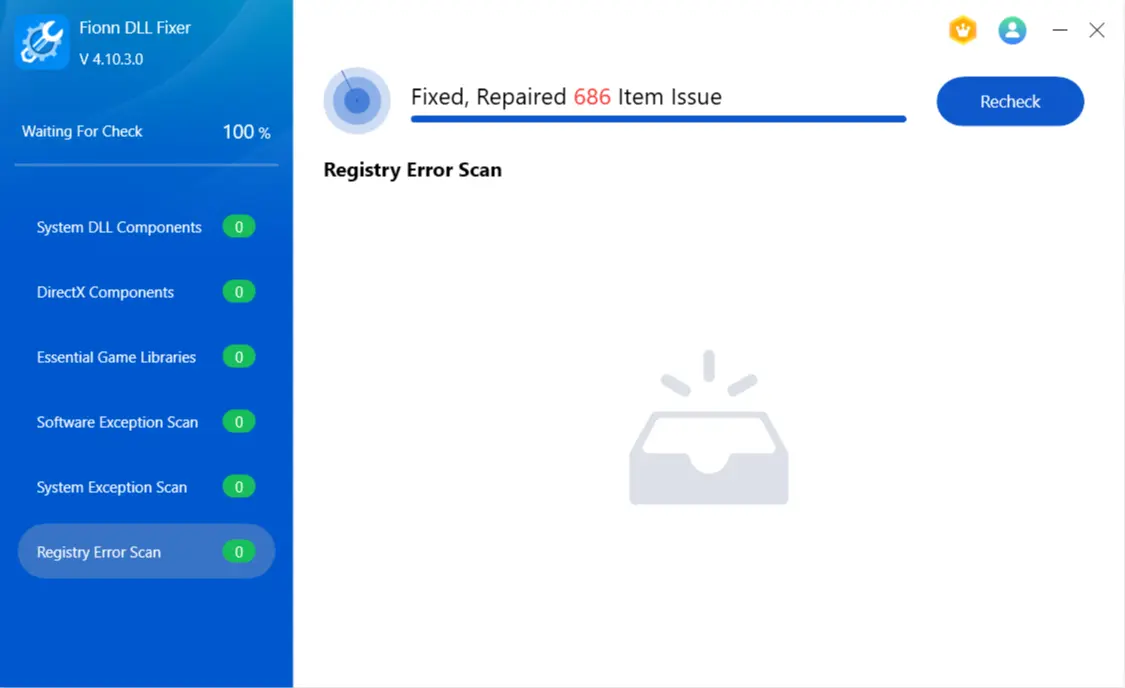
Expected result: The recheck should show whether the missing-DLL condition remains. If it does, contact Fionn support for next steps.
Tips for Choosing the Right Fix
- One app fails: Start with the app's repair or file-verification feature.
- Several apps fail: Run SFC, then use a broader DLL scan.
- Failure follows an update: Recheck system files and reinstall only the affected app if the issue is isolated.
Keep Windows updated, use installers from official publishers, and record the exact error text. These details help support staff distinguish a missing file from a damaged or mismatched version.
Conclusion
For an
xinput1_4.dll missing
message, begin with SFC when Windows itself may be affected. If one program is the only failure, repair or reinstall that program from its official source. For multiple DLL symptoms or unclear dependency chains,
Fionn DLL Fixer
provides a practical scan, repair, and recheck workflow for Windows. Verify the result by restarting when prompted and launching the affected software again. If the message remains after rechecking, save the scan result and contact Fionn support rather than downloading a random DLL.
FAQ
What is xinput1_4.dll?
It is a Windows DLL filename referenced by software that needs XInput-related functionality. The error means the calling program could not load that file.
Should I download xinput1_4.dll from a DLL website?
No. Use Windows checks or the affected publisher's installer. Unverified DLL downloads can be mismatched or unsafe.
Why does the error appear after a game update?
An update can leave an incomplete or mismatched dependency set. Verify or repair the game files first, then reinstall if verification cannot restore them.
Will restarting Windows always fix the error?
Restarting applies pending repairs and reloads system components, but it cannot repair a missing application file by itself. Recheck after reboot.
Can Fionn DLL Fixer scan more than one DLL?
Yes. Its documented capabilities include full or category scans for missing, damaged, version-mismatched, and System32-path DLL issues, plus XInput and other game dependency checks.


