

Best Anime Wallpapers of 2025: HD, Aesthetic, and All Styles
2025-12-01 09:26:46
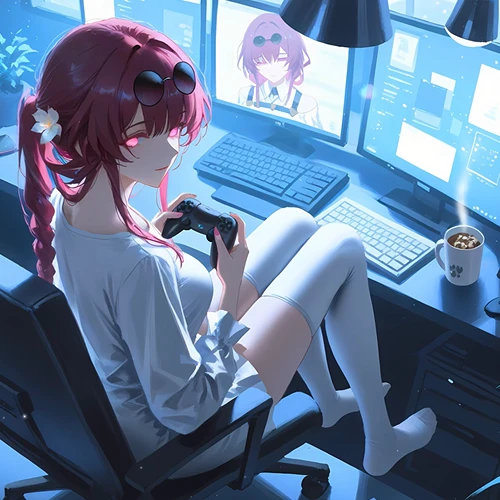
Turn TikTok & YouTube Videos into Live Desktop Wallpapers | WallpaperX Tutorial
2025-11-26 13:04:49

Bring Your Desktop to Life with WallpaperX | Beginner 4K Dynamic Wallpaper Guide
2025-11-25 13:17:18
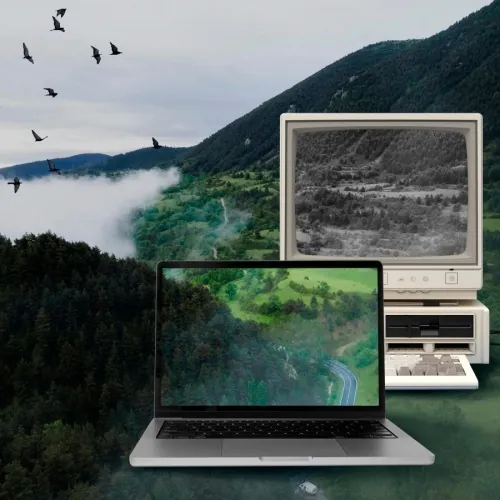
Live Wallpapers Guide 2025 | WallpaperX for Smooth 4K Desktop Animations
2025-11-19 14:57:58

Wallpaper X - Steam Dynamic Wallpaper App | Interactive Desktop Tool
2025-10-15 17:11:36
Turn TikTok & YouTube Videos into Live Desktop Wallpapers | WallpaperX Tutorial
2025-11-26 13:04:49
How to Turn TikTok/YouTube Videos into Live Desktop Wallpapers (WallpaperX Tutorial)
On TikTok and YouTube, you’ll find tons of eye-catching looping shorts, anime clips, scenic videos, and game highlights. You may wonder:
Can these cool videos be set directly as desktop live wallpapers?
The answer is: yes, and it’s super easy.
With WallpaperX, you can quickly turn any video—whether from TikTok, YouTube, or your personal collection—into a live desktop wallpaper and make your screen “come alive.”
This guide will walk you through the full process: downloading videos → importing → setting as a live wallpaper. Perfect for beginners.
1. Why Use Videos as Live Wallpapers?
Compared to static wallpapers, video wallpapers offer clear advantages:
- A more immersive desktop experience
- Enhanced atmosphere for game/anime clips
- Scenic videos make your desktop feel “alive”
- Sci-fi visuals create a futuristic vibe
- Fully customizable to your personal taste
You can set a cool looping TikTok clip or a 4K scenic video from YouTube directly on your desktop—instantly transforming your screen.
2. How to Turn Videos into Live Wallpapers with WallpaperX (Step-by-Step)
Step 1: Download the video you want (from TikTok or YouTube)
First, save the video locally.
Common methods:
📌 TikTok: Use the built-in “Download Video” option, or a third-party tool to get a watermark-free version.
📌 YouTube: Use a YouTube downloader to save the video as an MP4 file.
Important:
Make sure the video is legal to use, copyright-free, or your own recording.
Step 2: Open WallpaperX → Go to “Mine”
Once WallpaperX is installed, launch the app.
At the top navigation bar, click: “Mine” → “Local Wallpapers”
This is where you import and manage your custom videos.
Step 3: Click “Local Import”
On the Local Wallpapers page, click: “Local Import”
A system file picker will appear. Select the video you just downloaded, such as:
- .mp4
- .mov
Then confirm to import it.
Step 4: Select your video → Click “Use”
After importing, your video will appear in the local wallpapers list.
Click the video → Click: “Use”
Almost instantly, your video becomes your Windows desktop live wallpaper.
No complex settings, no format conversion needed.
3. Example Use Cases (What You Can Do)
You can set these as live wallpapers:
- Cyberpunk neon loops from TikTok
- 4K sunset or ocean timelapses from YouTube
- Game character sprites with subtle animations
- Popular anime loops (blinking, flowing hair)
- Sci-fi UI/HUD style clips
- Your own short home videos
From this moment, your desktop truly “moves.”
4. Performance Tips (Easy for Beginners)
To keep your PC running smoothly:
- Low-end PCs: use 1080p or 30fps videos
- High-end PCs: 4K 60fps videos run easily
- During gaming, WallpaperX supports “Pause wallpaper in fullscreen apps”
Live wallpapers won’t seriously affect performance, but lighter videos improve the experience.
5. Summary: 3 Steps to Set a Video as Your Live Wallpaper
- Download a TikTok/YouTube video
- Open WallpaperX → Mine → Local Import
- Select the video → Use
No file conversion, no complicated setup—done in seconds.
If you want a more immersive, atmospheric, and personalized desktop, WallpaperX makes it effortless.


 Fionn
FionnCopyright © 2026 Wonderful Apps Limited.
 English