 Fionn VoxMagic
Real-Time AI Voice Changer
- 100+ RVC-powered AI voice models for gaming and live chat
- Neural noise suppression with auto gain for clean voice
- Low-latency AI voice processing for real-time use
- Virtual mic for Discord, Fortnite, OBS, Zoom, and more
 Try It Free
  win10/win11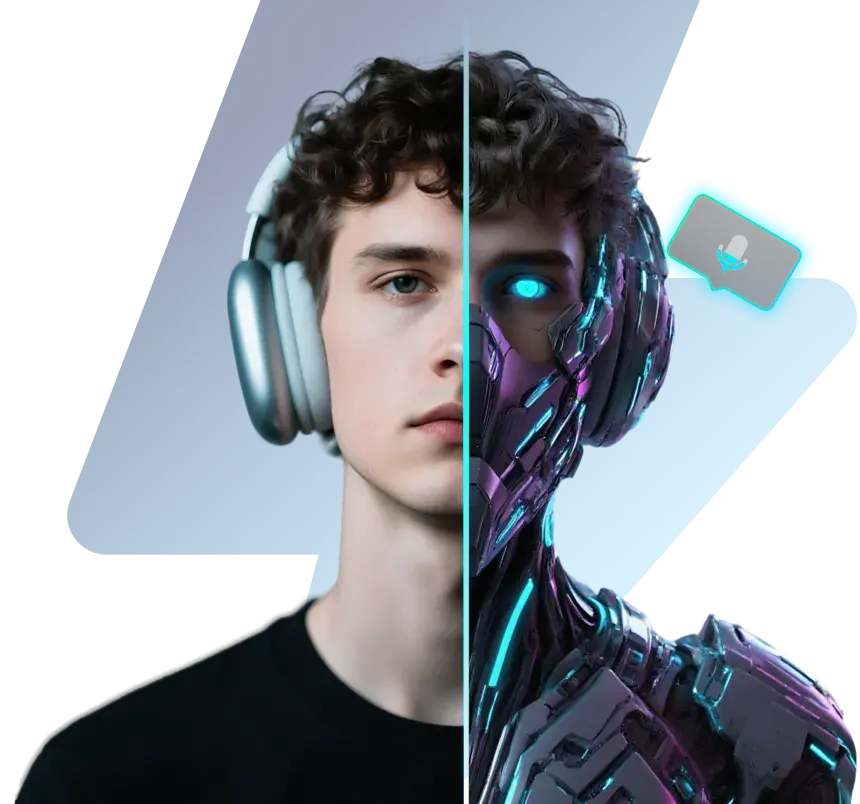


Universal AI Voice Engine for Any App
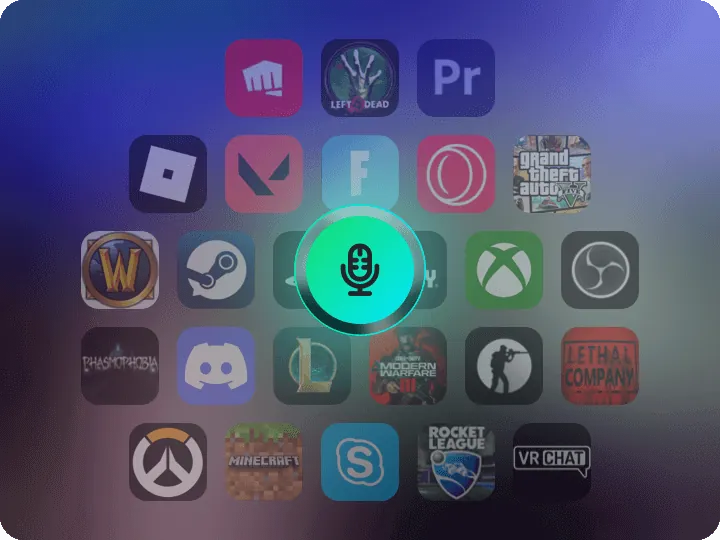
Fionn VoxMagic is a system-level AI voice engine that works across Discord, Steam Voice, Xbox Party Chat, PlayStation, OBS, and more.


Low-Latency AI Voice Changer for Gaming
Powered by RVC-based neural voice models, Fionn VoxMagic delivers real-time voice conversion for gaming, streaming, and live chat with low-latency performance.


Game-Optimized AI Voice Models & Controls
Game-Tuned RVC Voice Models for Team Chat
Fionn VoxMagic includes 100+ RVC-powered voice models designed for team-based games—deep commander voices, agile mage tones, and soft support styles. Switch voices instantly to match your role, enhance immersion, or protect your identity in competitive matches.

Low-Latency Voice Processing for Live Streaming
Fionn VoxMagic’s real-time engine keeps your voice perfectly synced with gameplay and video streams. Tested with OBS, Twitch, YouTube Live, Discord, and TeamSpeak, it ensures no audible delay, no desync, and studio-grade clarity even during fast-paced action.
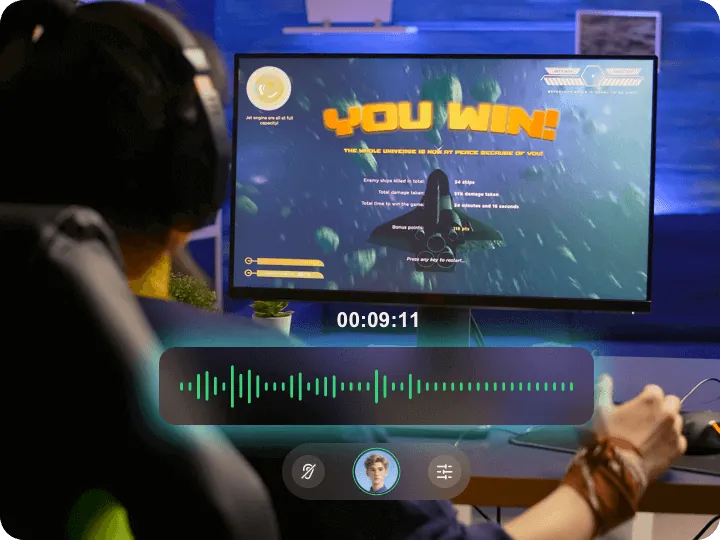
System-Level Virtual Microphone for All Apps
Fionn VoxMagic installs a virtual microphone that appears in every app—Discord, Fortnite, Valorant, Zoom, OBS, and more. Set it once, and every program automatically receives your AI-processed voice with zero extra configuration.
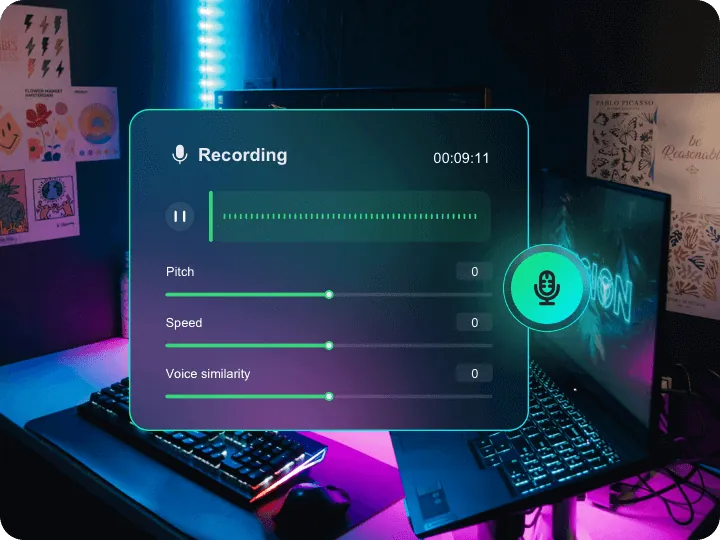
Professional Voice Controls: Pitch, Formant, EQ & Reverb
Fine-tune your AI voice with professional-grade controls including pitch, formant shift, EQ, and reverb. Create intimidating assassin voices, warm support tones, or cinematic character styles with studio-level precision.
100+ AI Voice Presets Powered by RVC
Access over 100 pre-trained RVC voice models—ranging from anime, monsters, radio hosts to cinematic narrators. Integrated AI soundboard lets you trigger effects instantly during gaming, streaming, or chats, saving time and boosting creativity.
Download Fionn VoxMagic – Professional AI Voice Engine
Start using Fionn VoxMagic for free and unlock professional-grade real-time AI voice changing for gaming, streaming, and online chat.

How Fionn VoxMagic Uses RVC AI for Real-Time Voice Transformation
Getting started with Fionn VoxMagic is easier than you think
1.Install Virtual Driver
Fionn VoxMagic installs a system-level virtual microphone that routes your audio through its RVC AI engine.
2.Route Apps to Virtual Mic
Simply select “Fionn Virtual Mic” in Discord, games, or OBS to activate AI voice processing.

3.Apply RVC AI Voice Models
Choose a voice model and start speaking — your transformed voice is generated instantly with no perceptible delay.
Fionn VoxMagic AI Voice Changer – Technical FAQ
Does the voice changer work in real-time?

Yes, VoxMagic allows real-time voice transformation while you're gaming, streaming, or chatting.
Can I use the voice changer in games like Fortnite or Discord?
Absolutely. VoxMagic is compatible with most popular games and chat apps, including Fortnite, Discord, Zoom, and more.
Does it work with my existing microphone or headset?
Yes, VoxMagic supports all standard microphones and headsets without requiring extra hardware.
Are there different voice effects to choose from?
Yes! VoxMagic offers a wide variety of voice effects, from robot and monster to anime and celebrity styles — with new effects added regularly.
Will using a voice changer affect my computer’s performance?
No, VoxMagic is lightweight and optimized to run smoothly in the background without affecting your system performance, even while gaming or streaming.
Can I use the AI voice changer for free?
Yes. VoxMagic offers a free version that includes essential vocal processing filters and noise suppression tools. For creators seeking the full library of AI voice models and advanced soundboard integration, we offer affordable premium plans.
Advanced AI Voice Processing Features
Neural Real-Time Voice Processing
Neural Real-Time Voice Processing
Real-time RVC-based neural processing for calls, games, and live streams.

RVC Voice Style Presets
RVC Voice Style Presets
Multiple AI-generated voice styles based on trained neural models

Multi-Effect Neural Audio Mixing
Multi-Effect Neural Audio Mixing
Layer multiple AI effects to create unique voices.

Cross-Platform Virtual Audio Support
Cross-Platform Virtual Audio Support
Works across Windows apps via virtual mic.
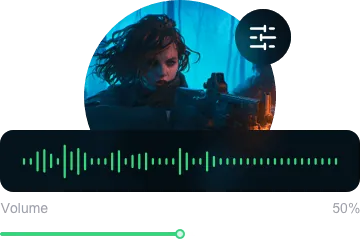
AI Noise Reduction & Auto Gain Control
AI Noise Reduction & Auto Gain Control
Neural noise suppression and auto gain for clean voice.
Fionn VoxMagic
Competitive Real-Time Voice Effects for Gaming
Start enjoying real-time voice effects in your favorite games, apps, and live streams
Free Download  Fionn
FionnCopyright © 2026 Wonderful Apps Limited.
 English