 Emily CarterAuto Clicker
Introduction
If you need macro recording software , first decide whether recording clicks and keystrokes is enough or whether you need conditions, scripts, and export options. For most Windows tasks, Fionn Auto Clicker is a sensible starting point: it records mouse and keyboard actions, lets you edit and export them, and plays them back. Macro Recorder is the Mac-compatible option in this list. The comparison below uses only capabilities stated by developers and does not claim hands-on testing.
The key differences are not simply whether recording is available: Macro Recorder uses visual context for the click location, Jitbit Macro Recorder can compile a macro into an EXE, Pulover's Macro Creator exports AutoHotkey scripts, and Simple Macro Recorder deliberately focuses on basic recording and playback.
Top picks
- Fionn Auto Clicker—the first option for Windows when you need editing, export, scripts with waits, and image, color, or text recognition alongside recording. Note that recording and other advanced features are available by subscription after three free attempts.
- Macro Recorder —a choice for Windows and Mac when code-free recording, an editor, and visual click anchoring instead of fixed coordinates matter.
- Jitbit Macro Recorder —for Windows tasks that require logic, custom commands, or distributing a macro as an EXE.
- Pulover's Macro Creator —a free option for Windows users who need AutoHotkey export and more advanced constructs.
- Simple Macro Recorder —for free basic recording and playback on modern Windows versions, without editing or logic.
Quick comparison table
Fionn Auto Clicker
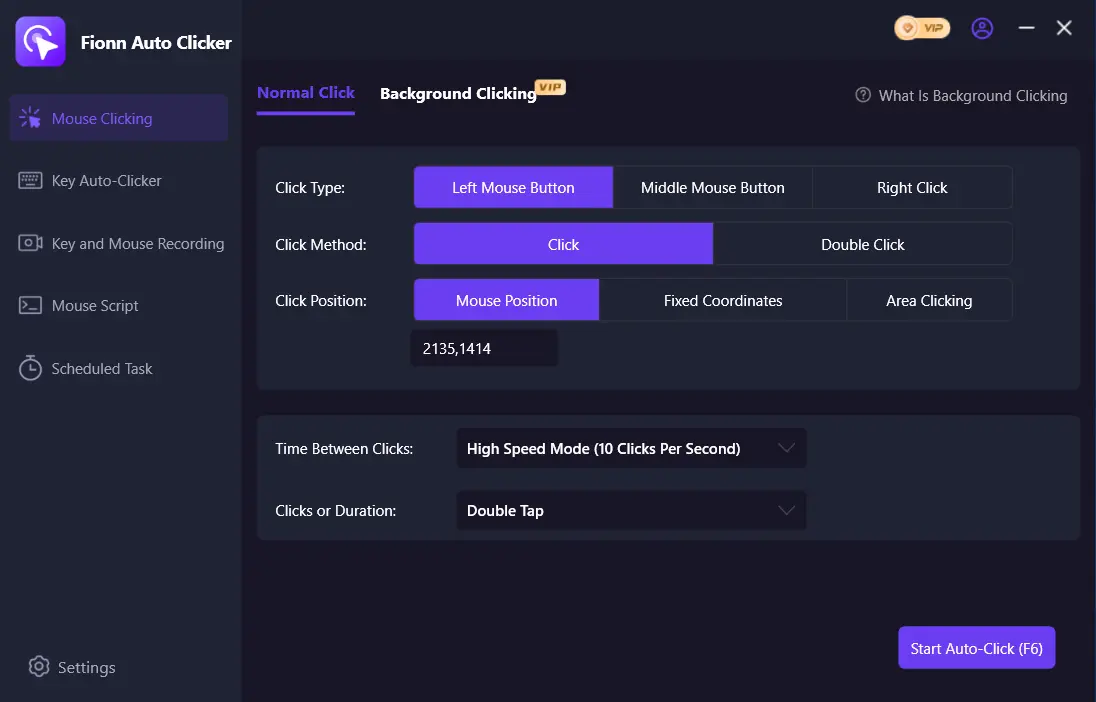
On Windows, it records mouse and keyboard actions and then lets you play back, edit, or export the recording . Scripts can combine movement, clicks, presses, releases, and waits; image, color, and text recognition, plus scheduled launches, are also stated features. Three free attempts are available before a subscription; the subscription unlocks unlimited clicks, recording, custom scripts, and the scheduler.
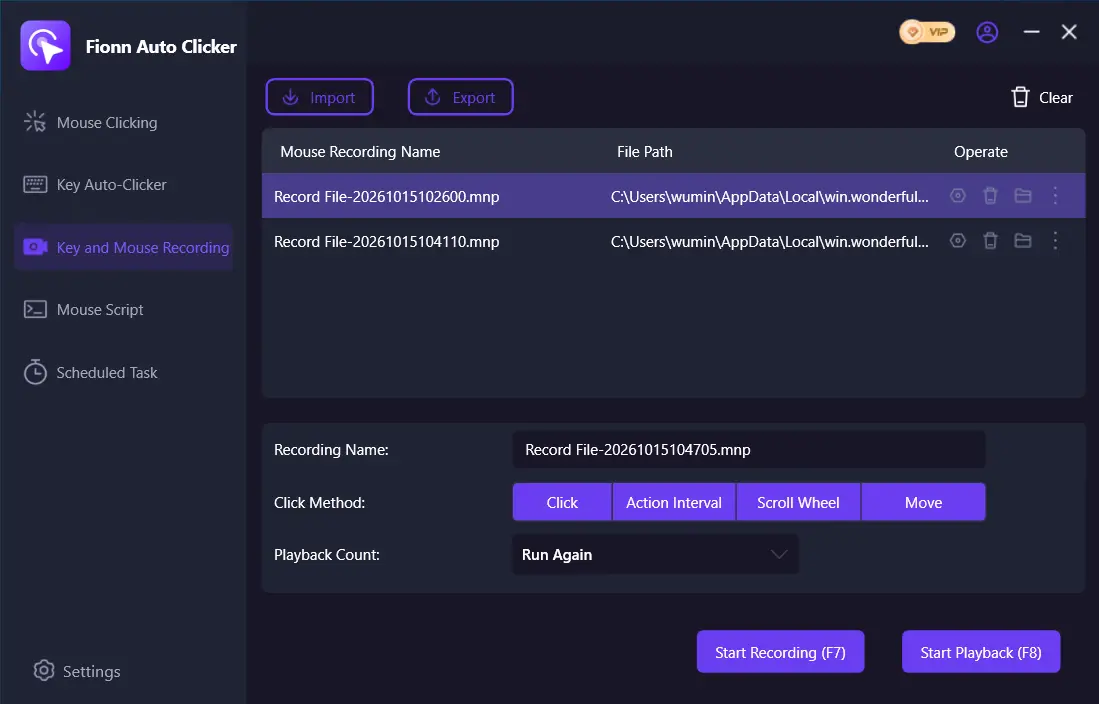
Background clicking is supported, but individual windows may not support it. This is an option for Windows users who need mouse and keyboard macro recording alongside broader desktop automation tools.
Recommendation: choose it if, after recording, you need to add conditions or system actions rather than simply repeat a sequence. Open the official Fionn Auto Clicker page—it is a product page, not a verified direct installer link. Go to the product and download page: Fionn Auto Clicker .
Macro Recorder
Macro Recorder records mouse and keyboard input, lets you edit the recording in its built-in editor, and replay it. Its distinction is visual context around a click location rather than X/Y coordinates alone; variables, conditions, and program launches are also stated features of its code-free editor. The free version can be converted to a paid version, but the license applies to releases issued within the personal maintenance period. It suits Windows and Mac users who want to adjust a recorded macro without moving to programming.
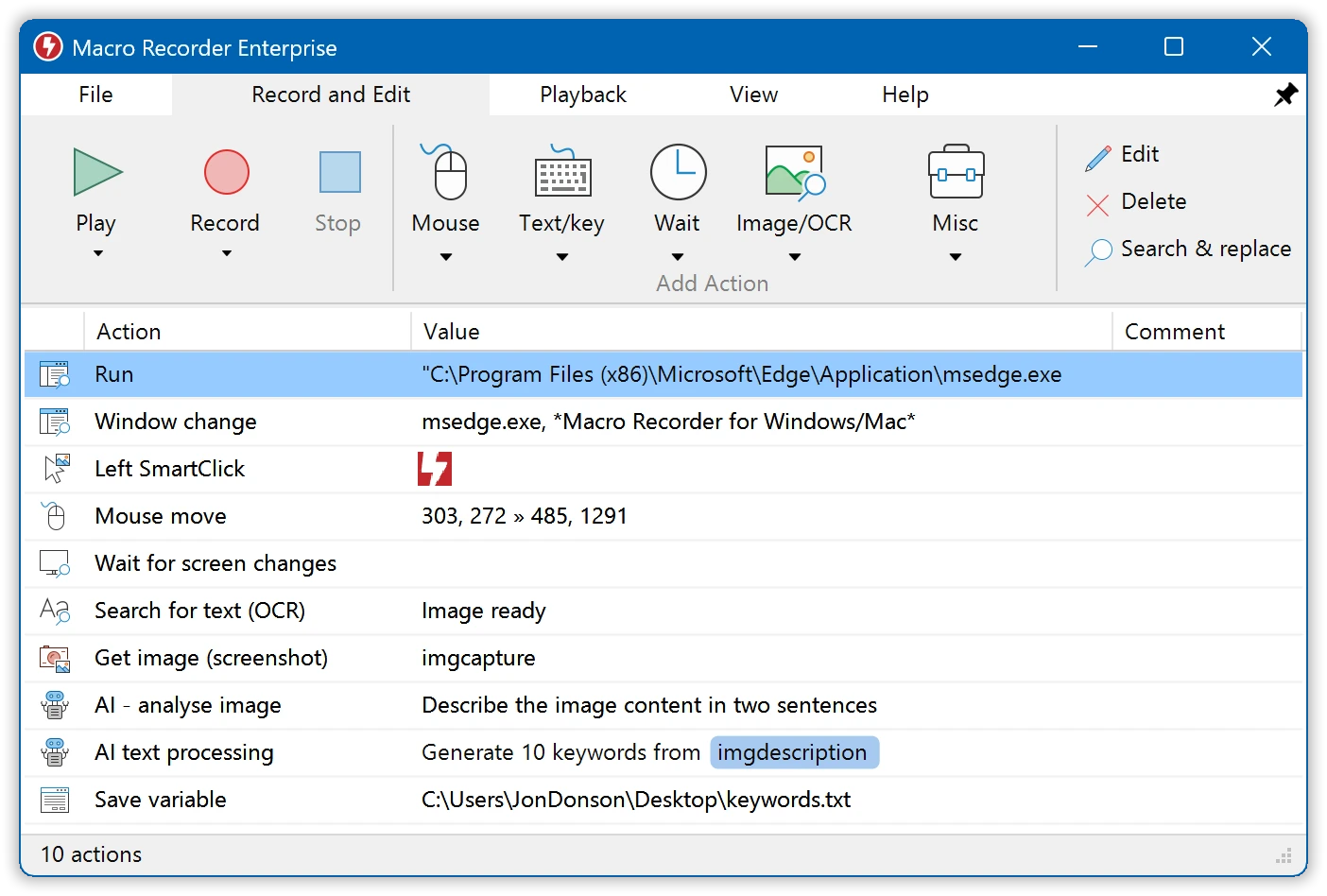
Recommendation: consider it first when working on a Mac or when click resilience to layout changes matters more than EXE export. Details are available on the official Macro Recorder page and the licensing and download page .
Jitbit Macro Recorder
Jitbit Macro Recorder for Windows records, edits, and plays back macros; you can insert commands, IF/THEN, REPEAT, and C# snippets into them. A macro can be compiled into an EXE for use on a compatible Windows computer. Macros that simulate a mouse or keyboard do not run while the computer is locked. Perpetual licenses cost $39, $69, or $99 depending on the edition; Basic includes one year of updates. It is intended for Windows users who need logic, scheduling, or distribution of a ready-to-run EXE.
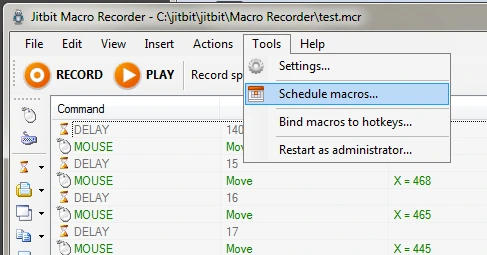
Recommendation: choose it when distributing a macro as an executable file matters more than cross-platform support. See the official Jitbit Macro Recorder page , purchase terms , and the locked-screen limitation .
Pulover's Macro Creator
Pulover's Macro Creator is a free AutoHotkey-based tool with a built-in recorder, input capture, and export of macros to AutoHotkey scripts. It supports commands, loops, conditions, variables, arrays, and image or pixel search. The confirmed platforms are Windows 7, 8, 8.1, and 10; an existing AutoHotkey script cannot be imported and edited in the program. It is an option for people willing to use AutoHotkey-oriented automation who want free script export.
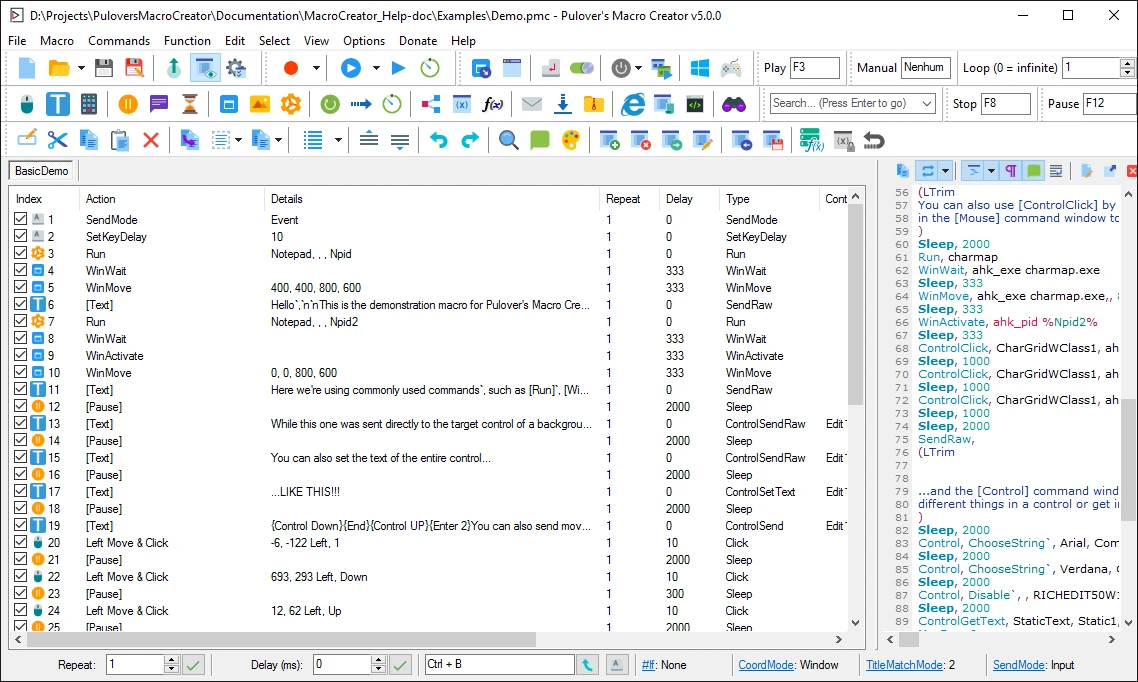
Recommendation: choose it for scripts that will be developed over time, not for reverse-editing already-written AHK files. Start with the official download page ; features and limitations are also described in the official repository and FAQ .
Simple Macro Recorder
Simple Macro Recorder records mouse clicks, keystrokes, and window interactions, then replays the sequence. The software is freely available for personal and commercial use with no stated time limits or watermarks; it automatically accounts for window titles, positions, and sizes. It provides only basic recording and playback: there is no editing, debugging, conditions, scripting, scheduling, web automation, or screen recognition. It suits modern Windows users who need a simple, free way to replay a short sequence.
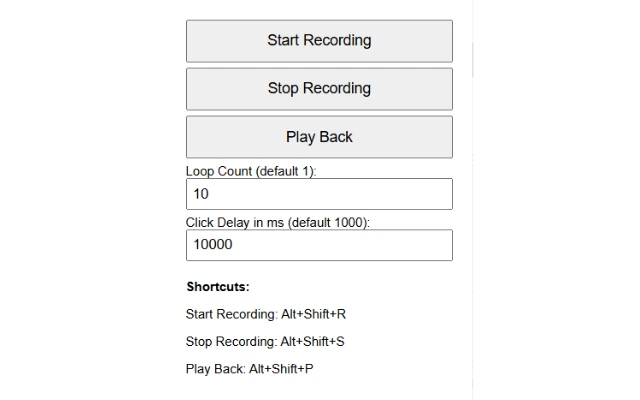
Recommendation: this is the most straightforward choice when advanced automation is unnecessary and a free work license is essential. Visit the official Simple Macro Recorder page for terms and system requirements.
How we compared
We compared all five programs using the same criteria: the operating system stated by the developer, recording and playback capabilities, automation or scripting actions, pricing and licensing model, and specific limitations. Official developer pages and documentation were prioritized; information about Fionn Auto Clicker was supplemented with verified internal product data. Unstated capabilities were not treated as available.
How to choose software
Start with the OS: Macro Recorder is stated to support Mac in this list, while Simple Macro Recorder explicitly mentions Windows 11 for modern Windows. Then consider whether you need to modify the recorded sequence. Simple Macro Recorder sufficiently covers basic replay, Macro Recorder and Fionn Auto Clicker offer a code-free visual editor, and Jitbit and Pulover's Macro Creator focus on logic and export.
Also check the limitation that could disrupt your task: screen locking for Jitbit, Macro Recorder's license maintenance period, the inability to import AHK scripts into Pulover's Macro Creator, or a subscription for Fionn Auto Clicker's advanced features.
Final verdict
For Windows, consider Fionn Auto Clicker first if your task goes beyond simple replay: keyboard and mouse recording, editing or export, and scripts with conditions are confirmed. Choose Macro Recorder when you need Mac support and visual click anchoring; Jitbit Macro Recorder for EXE output and logic on Windows; Pulover's Macro Creator for free AutoHotkey export on its stated Windows versions; and Simple Macro Recorder for free basic recording on modern Windows. Before deciding, compare the price or licensing model with the features you need, especially subscription and maintenance limitations.
Frequently asked questions
Which software can record mouse and keyboard macros?
All five options state that they can record and replay input, but their post-recording capabilities differ. Fionn Auto Clicker, Macro Recorder, and Jitbit let you edit macros; Simple Macro Recorder is intended only for basic replay.
Is there free macro recording software on this list?
Pulover's Macro Creator is stated to be free. Simple Macro Recorder is also free for personal and commercial use. Fionn Auto Clicker has three free attempts followed by a subscription, while Macro Recorder has a free version with a paid upgrade option.
Which option should I choose for Mac?
Macro Recorder is the only program in this comparison explicitly stated to support both Windows and Mac. The developers identify the other candidates as Windows solutions.
Will a Jitbit macro work while the computer is locked?
No, if the macro simulates mouse or keyboard actions. Jitbit's official page explicitly states this limitation for a locked screen.
Can I edit an imported AutoHotkey script in Pulover's Macro Creator?
No. The developer states that the program does not import or edit existing AHK scripts, although it can export created macros to the AutoHotkey format.


