

How to Use a Voice Changer in Steam Games (Step-by-Step Guide)
2026-03-12 16:30:28

Create Unique Gaming Voices for Steam & Discord – Tips for Engaging Voice Changers
2026-03-06 15:13:55
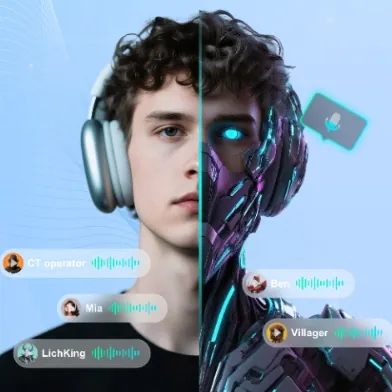
Enhance Twitch & YouTube Streams with Multi-Character Voice Acting – VoxMagic
2026-02-26 15:53:54
AI Voice Changer vs Text-to-Speech: STS vs TTS Explained for Creators & Gamers
2026-01-30 10:34:54

Real-Time Voice Gender Change on PC | AI Voice Changer for Gaming & Streaming
2025-12-12 10:27:28
Create Unique Gaming Voices for Steam & Discord – Tips for Engaging Voice Changers
2026-03-06 15:13:55
How to Create Unique Gaming Voices for Steam & Discord – Voice Changer Tips
Gaming is all about creativity and self-expression. Imagine stepping into your favorite Steam or Discord games with a completely unique voice—one that matches your character’s personality or your streaming persona. With a versatile voice changer like VoxMagic, you can create anime-inspired voices, AI tones, or sci-fi characters that bring a whole new level of fun and immersion to your gameplay.
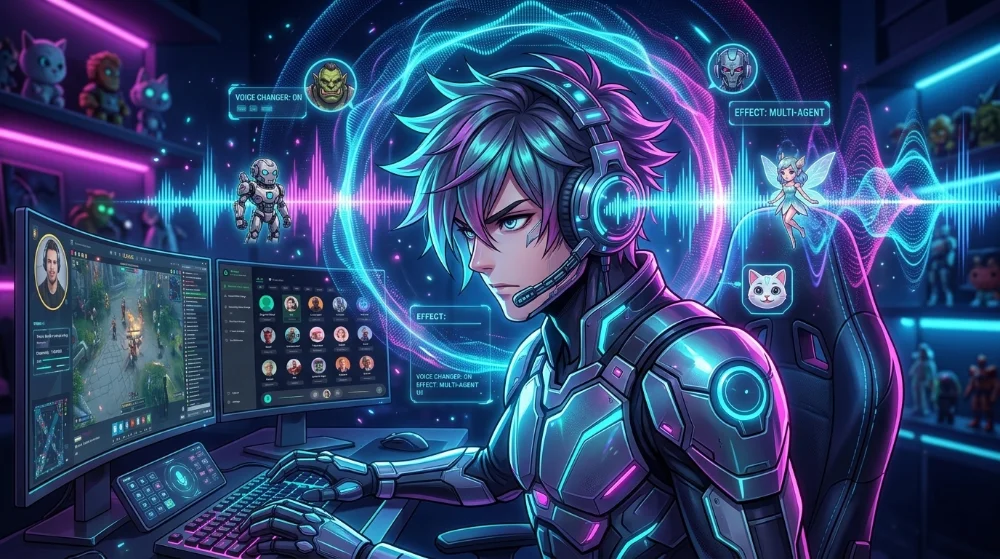
Why Customize Your Gaming Voice?
Unique gaming voices make your experience more memorable:
- Immersion: Give life to your characters and roleplay in games like RPGs, shooters, or strategy titles.
- Entertainment: Stand out in Discord chats or live streams with a signature voice.
- Community Engagement: Fun voices make your interactions more engaging and memorable for teammates or viewers.
By customizing voices, you aren’t just playing—you’re creating an identity in the gaming world.
Preparing to Create Your Voice Characters
Before diving into voice creation, ensure you have your tools ready. VoxMagic works on Windows and Mac, and seamlessly integrates with Steam and other platforms like Discord.
Tip: For step-by-step installation and multi-platform setup, check out our VoxMagic Voice Changer Installation & Multi-Platform Guide.
Setup Checklist:
- Headset or microphone connected and working.
- Correct input/output devices selected in VoxMagic.
- Noise reduction and mic volume adjusted for clear sound.
Step-by-Step Guide to Creating Unique Voices
1. Choose Your Base Voice
Pick a starting point that fits your character:
- Anime: Energetic girl, gentle healer, or charming older sibling.
- AI: Cold mechanical, smooth electronic tones for futuristic characters.
- Sci-Fi: Deep, mysterious, or powerful soldier voices.
Preview multiple options and select the one that resonates with your character concept.
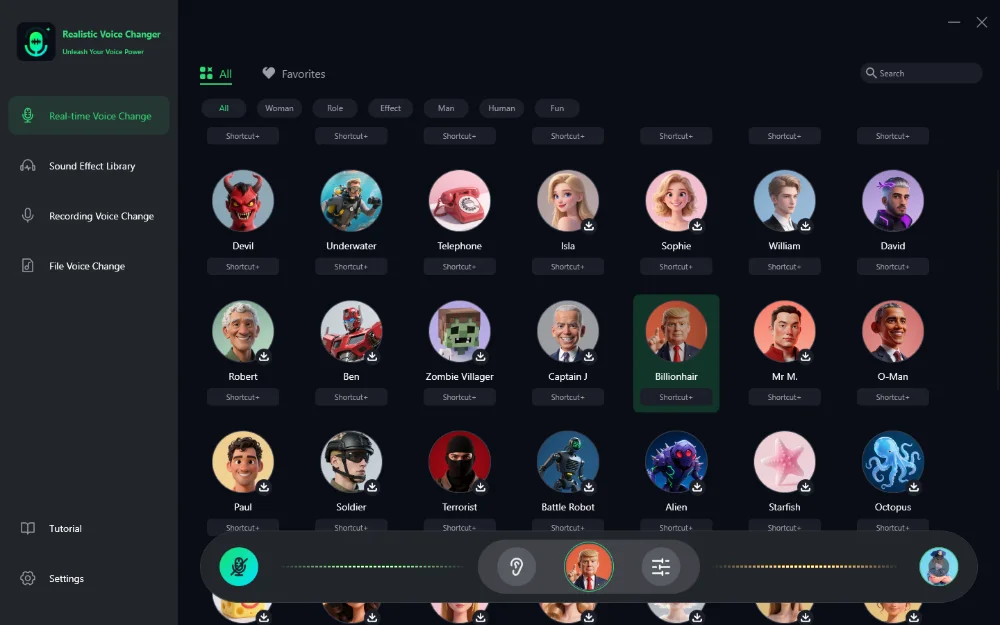
2. Fine-Tune Voice Parameters
Adjust settings like pitch, brightness, and formant to make the voice truly yours. For example:
- Raise pitch for youthful characters.
- Add brightness to cheerful personalities.
- Lower pitch or add reverb for alien or robotic effects.
3. Integrate with Steam & Discord
- Open Steam → Settings → Voice → Select “Fionnshare Virtual Audio”.
- For Discord, select VoxMagic as your input device in Voice & Video settings.
This ensures your new voice works in real-time during games or streaming.

Examples Across Game Genres
1. RPG – The Witcher 3
- Voice: Ethereal anime elf
- Highlights: Immersive NPC interactions, magical dungeon teamwork
2. Shooter – Valorant
- Voice: High-tech AI soldier
- Highlights: Tactical communication, futuristic combat vibes
3. Strategy – Stellaris
- Voice: Majestic alien leader
- Highlights: Persuasive diplomacy, commanding presence
These examples show how different voice styles enhance gameplay and make your gaming sessions more dynamic.
Tips for Unique & Engaging Voices
- Mix genres: Combine anime charm with sci-fi effects for hybrid characters.
- Keep it natural: Extreme modulation can sound artificial; subtle tweaks often feel more immersive.
- Test in context: Use your voice in game scenarios to ensure it fits the environment.
Pro Tip: Always have a backup of your favorite voice presets, so you can switch characters easily for different games or streams.
Final Thoughts
Creating your own voice characters with VoxMagic adds a fresh layer of fun to gaming and streaming. By exploring different styles, fine-tuning parameters, and applying them in your favorite Steam or Discord games, every session becomes an opportunity to showcase creativity.
Start experimenting today and give your characters voices that are as unique as your imagination!


 Fionn
FionnCopyright © 2026 Wonderful Apps Limited.
 English