
Compress Multiple Files Easily with Unizip – Fast & Secure Desktop Tool
2026-03-06 17:55:40
How to Open, View, and Convert RAR Files on Windows (Complete Guide)
2026-03-06 17:42:39

Can’t Open 7z Files on Windows? Simple Step-by-Step Guide
2026-03-06 17:25:13

How to Open ZIP Files Without Extracting on Windows (2026 Guide)
2026-03-06 17:22:18
5 Lightweight Unzip Tools to Replace WinRAR & 7-Zip (With PDF Compression)
2026-02-11 09:50:08
5 Lightweight Unzip Tools: Fresh Alternatives to WinRAR & 7-Zip
As a long-time user dealing with compressed files, I'm tired of WinRAR's pop-ups and 7-Zip's outdated interface. Recently I discovered several lightweight unzip tools that are not only visually appealing but also functionally robust. Today I'm sharing my favorites—especially a little gem called Unzip that made file extraction fun again!

1、Unzip - A Minimalist's Dream
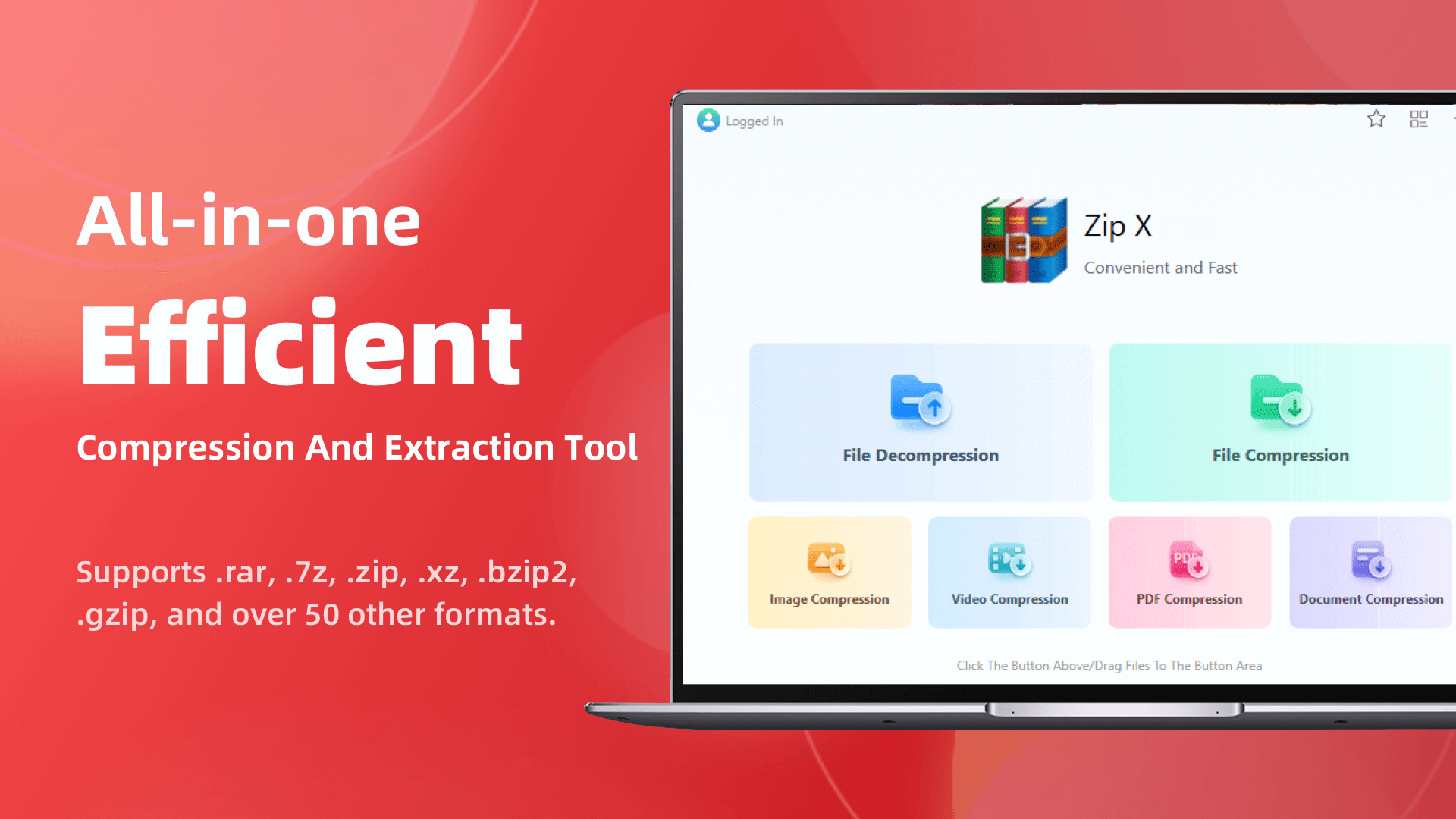
Unzip is my most delightful recent discovery. Its installer is suspiciously tiny (under 5MB!) and launches in a blink. It supports 30+ formats from ZIP to RAR, but the real showstopper is its built-in PDF toolkit—yes, you can reduce size of PDF document without opening another app! Just right-click a PDF and select "compress PDF document" to bypass those pesky email attachment limits in seconds.
2、Bandizip - Where Beauty Meets Brawn
This Korean-developed tool sports a macOS-like clean interface. Its auto-extract feature is perfect for lazy folks—double-clicking an archive automatically creates a folder to prevent mess. Though slightly heavier than Unzip, its multi-core compression saves serious coffee-break time.
3、PeaZip - The Swiss Army Knife of Open Source
If privacy is your priority, this Italian open-source tool is worth considering. Beyond standard extraction, it generates secure hashes. Though its interface looks time-warped from Windows XP era, its ability to reduce PDF size earns extra points.
4、Ashampoo ZIP - German Engineering Elegance
Prefer sophistication? This German software offers virtual drive integration and FTP uploads. Its PDF compression is stellar, ideal for business users who often need to compress PDF document. The free version covers daily needs.
5、Zipware - The Security-First Option
Built-in virus scanning is its killer feature, detecting threats before extraction. Though the UI feels bland, it's perfect for freelancers handling client PDFs (like needing to reduce size of PDF document before sending).

Why Unzip Won Me Over
After testing all these, Unzip became my daily driver. It strikes the perfect balance between lightweight and functional, especially with that PDF feature saving me an extra app. Now whether unzipping project files or quickly reducing PDF size for clients, one tool does it all—this is what modern efficiency should be.
Still using those legacy tools? Time to try these fresh alternatives! (Especially when you constantly need to compress PDF document)


 Fionn
FionnCopyright © 2026 Wonderful Apps Limited.
 English