

SD Card Shows RAW: How to Recover Files Safely in 2026
2026-02-06 15:53:56

How to Prevent Data Loss: 10 Essential Habits for Safe Digital Life
2026-01-07 17:01:59
When Data Recovery Software Works — and When It Doesn’t | FionnShare
2025-12-17 17:01:26
Deleted Files After Emptying Recycle Bin? Here’s How to Restore Them
2025-12-03 15:43:39
What to do if data on a mobile hard drive or USB drive is lost?
2026-01-15 15:54:36
What to Do If You Lose Data from an External Hard Drive or USB: Complete Recovery Guide
Not long ago, my external hard drive suddenly became unreadable. Inside were all my important work documents and travel photos. I panicked, thinking those memories and files were gone forever. Luckily, I managed to recover everything with FionnShare data recovery. Here’s my full experience to help you handle similar situations.
1. Stop Writing New Data
If your external drive or USB loses data, stop adding new files immediately.
New data might overwrite the lost files, making them harder (or impossible) to recover.
2. Check Connections and Hardware
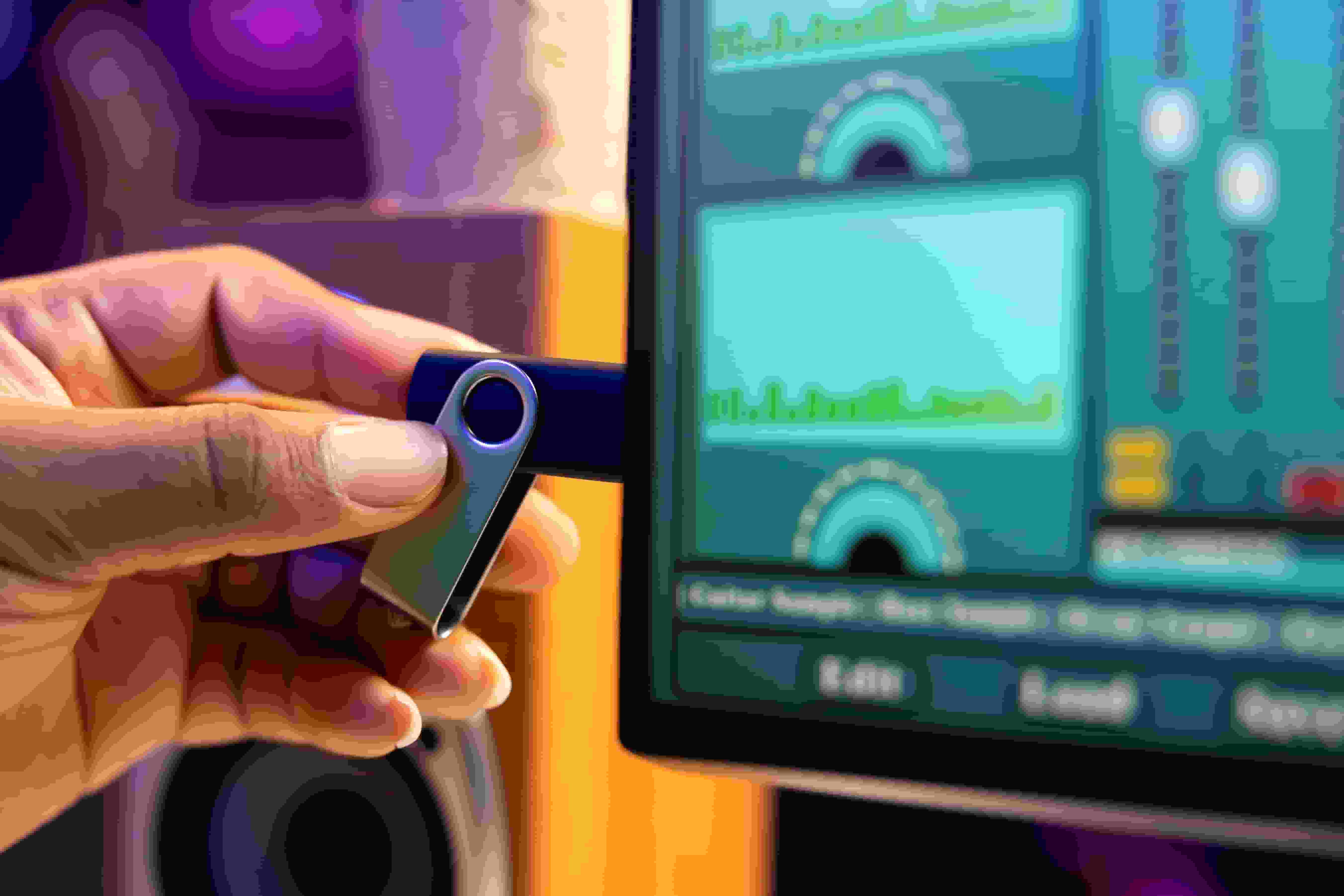
Sometimes data isn’t truly “gone” — it’s just a loose cable or a faulty port.
Try switching USB ports or using a different cable before assuming the worst.
3. Use a Professional Recovery Tool
If the issue is deleted files, lost partitions, or file system errors, I recommend FionnShare data recovery.
It can scan external hard drives, USB flash drives, and more to recover documents, photos, videos, and other file types.
The process is simple:
- Launch FionnShare data recovery and select the drive to scan
- Run a quick or deep scan
- Preview and select the files you want to recover
- Save them to a different, safe location

Save Recovered Files to Another Drive
Never save recovered data back to the same device — this prevents overwriting files that haven’t been restored yet.
Prevention Is Key
Data recovery is just a fix; prevention is better. I recommend:
- Regularly back up to the cloud or another drive
- Avoid unplugging devices without ejecting properly
- If something goes wrong, copy files before attempting repairs
Conclusion
If you lose data from your external drive or USB, staying calm and following the right steps is crucial.
With a tool like FionnShare data recovery, you’ll greatly improve your chances of getting your valuable files back.


 Fionn
FionnCopyright © 2026 Wonderful Apps Limited.
 English